What a ChatGPT Rollout Does to Your Employees' Personal Accounts
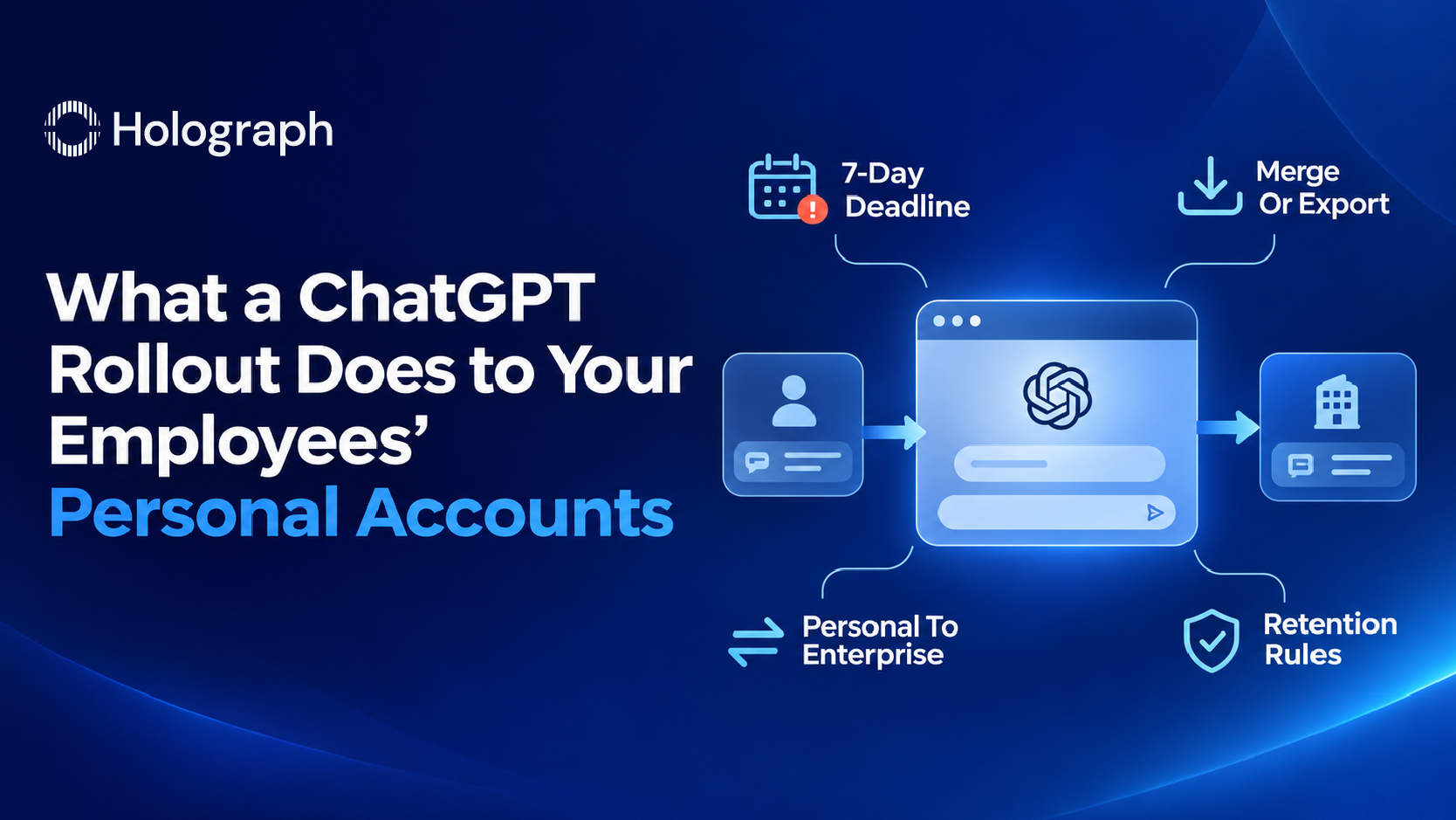
Adding someone to a ChatGPT Enterprise or Edu workspace with a verified domain starts a seven-day deadline for them. Within it they must either merge their personal ChatGPT workspace into yours or export its contents and deactivate it. Until they do one of those, OpenAI blocks their access to the workspace you just bought them a seat in.
Workspace admins cannot turn the requirement off and cannot change the seven days. Both limits are stated in OpenAI's own documentation, and they make a ChatGPT personal workspace migration a part of your rollout plan whether or not anyone planned it.
The deadline starts earlier than people think
OpenAI is specific about when the period begins. It starts when the user is added to the workspace, not when they receive or open the invitation email.
That distinction decides how much of the seven days an employee actually gets. A batch of seats provisioned on a Monday, announced to staff on a Thursday, leaves people three working days rather than seven. Automatic enrollment produces the same effect without an invitation at all.
Two conditions narrow who this hits. The workspace must have a verified domain, and the member's account email must use that domain. OpenAI notes that domain verification on its own, without workspace membership, does not trigger the requirement.
The export window is the same length as the deadline
This is the part worth reading twice. An employee who does not want to hand their personal chat history to their employer has one safe route: export the data, check it, then deactivate the personal workspace. OpenAI documents the timings for that export. Requests can take up to seven days to arrive, and the download link expires after 24 hours.
So the export can take as long as the entire grace period, and the window to collect it is a single day inside it. An employee who starts the export on day three may not receive it before the deadline. One who receives it on day six and does not check their email until day eight has an expired link and a deactivated workspace.
There is no second chance afterwards, because self-service data export is not available in Business or Enterprise workspaces at all. Once the content is inside your tenant, the employee cannot pull a copy of it out.
The practical consequence is simple. Tell people to start the export before they are added to the workspace, not after.
Merging cannot be undone
OpenAI states that merging is permanent. There is no option that moves content from the organization's workspace back into a personal one.
After the merge the personal workspace is deactivated and disappears from the workspace switcher, though its data is not deleted as part of the merge. The content that moved across becomes subject to your organization's access and retention policies, which is the point of the exercise and the part employees do not register. If a workspace retention policy is set to ninety days, personal conversations from four years ago inherit it.
If the employee later leaves or loses access, OpenAI is clear that they may lose access to the migrated content and that it does not move back. The content stays with the organization, which is correct as policy and is not what most people think they are agreeing to.
What does not come across
The migration flow is all or nothing. OpenAI states that users cannot select individual chats, projects or files to transfer.
Conversations, Library files, personal automations, custom instructions and personalization settings are eligible. GPTs the employee created transfer with their instructions and knowledge files. Projects they created transfer with their settings.
What does not: Sites, personal dots, Pages and Spaces are not supported. GPTs created by other people are not migrated, nor are projects owned by others, even where the employee had access. Memories scoped to a project are excluded from the saved-memory transfer. OpenAI also warns that some older or long-running conversations may not be retrievable afterwards.
Two behaviors are worth flagging to anyone running the rollout. Migrated GPTs arrive private and are not automatically shared, so a GPT that was published or shared by link has to be shared again. And transferring saved memories does not turn Memory on, which means an employee can arrive with their memories intact and no memory working.
That last point has a consequence worth stating separately. OpenAI's Business memory guidance states that if a workspace owner turns Memory off for the workspace, existing saved memories for members in that workspace are deleted. An organization that imports everyone's personal memories and then decides against the feature has not disabled something. It has deleted it.
Residency can make the merge impossible
OpenAI's onboarding guidance includes a line that matters for any workspace with a residency configuration: data residency requirements may prevent personal chats from transferring to the company workspace. Where that applies, merging is not an option and the employee is left with export and deactivate as the only route, inside the same seven days and the same export timings. A rollout into a residency-configured tenant should assume that path and brief people accordingly rather than discovering it per user. A residency setting here removes an option rather than adding a control, which is worth remembering when residency is being decided on compliance grounds alone.
Money gets stranded
Two financial details sit inside this and neither appears until it has already cost someone money. A web-billed Plus or Pro subscription may be canceled and refunded through the migration flow. A subscription bought through the Apple App Store or Google Play is not, and the employee has to cancel it themselves or keep paying.
More awkward, OpenAI states that personal wallet funds do not transfer on a merge into Business, and that deactivating a personal workspace can leave those funds inaccessible. An employee with a balance who follows your instructions to deactivate has lost it.
What a rollout plan should contain
The sequence matters more than the content, because the deadline is fixed and the export is slow.
- Tell people before you provision. The seven days start at provisioning, so anyone who needs an export should request it while they still have an unpressured week to collect it.
- Say plainly which option you require. Merge and export-and-deactivate carry different consequences for the employee, and an instruction that does not choose leaves people guessing against a deadline.
- Warn about the 24-hour download window specifically. It is the most likely point of failure and it fails without a notification.
- Check the residency position before you start, since it may remove merging as an option entirely.
- Tell people to check their own subscription, especially a mobile one, and their wallet balance before deactivating anything.
- Decide the Memory question before the migration rather than after, because turning Memory off at workspace level later deletes what arrived.
- Provision in waves rather than all at once, so the first group finds the problems while there is still somebody to fix them for the rest.
This is shadow AI being resolved by force
Most organizations have more personal ChatGPT accounts on their domain than they have counted. That has been the problem for two years, and the usual answer is a policy nobody enforces.
This enforces it. Every employee with a personal account on a verified domain is compelled to merge or leave within seven days, the first time they are added to the corporate workspace. The shadow estate resolves itself, which is the outcome security teams asked for, arriving as an employee data-handling event on the service desk.
That gap between an identity action and everything it actually triggers is the same one that shows up in agents and assistants left behind by offboarding, and in software licensing where a seat change moves more than a seat. Our client work mostly begins where somebody has discovered the gap the expensive way.
Start with a two-week assessment and keep the document, whatever you decide next.
Frequently asked questions
Can we turn off the seven-day migration requirement?
No workspace setting does that. OpenAI states that admins cannot turn off the requirement and cannot change the seven-day duration. It applies to Enterprise and Edu workspaces with a verified domain where the member's email uses that domain.
When does the seven days actually start?
When the user is added to the workspace, including through automatic enrollment, rather than when they receive or open an invitation. Provisioning ahead of an announcement spends part of the window before anyone is told.
What happens if an employee misses the deadline?
Access to the corporate workspace stays blocked until they complete the migration or the export-and-deactivation option. They can continue using their personal workspace until the deadline shown in the prompt.
Can an employee get their data out after merging?
Not through self-service. OpenAI states that self-service data export is not available in Business or Enterprise workspaces, so any export has to be requested and checked from the personal workspace before merging or deactivating.
Does a ChatGPT personal workspace migration move everything?
It does not. Sites, personal dots, Pages and Spaces are not supported, GPTs and projects owned by other people do not transfer, and project-scoped memories are excluded. The flow is all or nothing, so individual chats and files cannot be selected.
What happens to a personal Plus subscription?
An eligible web-billed Plus or Pro subscription may be canceled and refunded through the migration flow. A subscription purchased through Apple or Google requires separate cancellation by the employee.
Start with a two-week assessment