Deployment Automation: How to Release Faster and Break Less
The instinct in most enterprises is that shipping faster means shipping riskier, so deployments are batched, scheduled for quiet weekends, and run carefully by hand. The instinct is wrong, and it is expensive. The reason manual deployment feels risky is that it is: a human running steps under pressure makes mistakes, and a large batched release changes many things at once, so when something breaks it is hard to find what. Automation fixes both problems with the same move. It removes the manual error, and it makes small, frequent releases practical, which are easier to verify and safer to reverse than the big ones fear produces.
Deployment automation is the capability that turns releasing from a careful event into a routine, low-risk operation. It is where the headline delivery gains show up, and it is also where release safety is won or lost. Here is what it involves and why speed and safety come from the same place.
Why manual deployment caps both speed and safety
A manual deployment ties every release to a person and a procedure. It can only happen when that person is available, it takes as long as the steps take, and each step is a chance to get something wrong. Because it is slow and risky, teams do it rarely, which means each release carries more change, which makes each release riskier still. The caution is rational and self-defeating at once: the fear of breaking production produces exactly the large, infrequent deployments most likely to break it.
Automating the deployment breaks that loop. When a release runs the same way every time with no manual steps, it stops depending on a person, it takes minutes instead of hours, and the error introduced by hand is gone. That alone is the difference between a deployment that consumes a weekend and one that runs during the working day.
The controls that make frequent releases safe
Speed without safety is just faster failure, so deployment automation is paired with the controls that make shipping often low-risk.
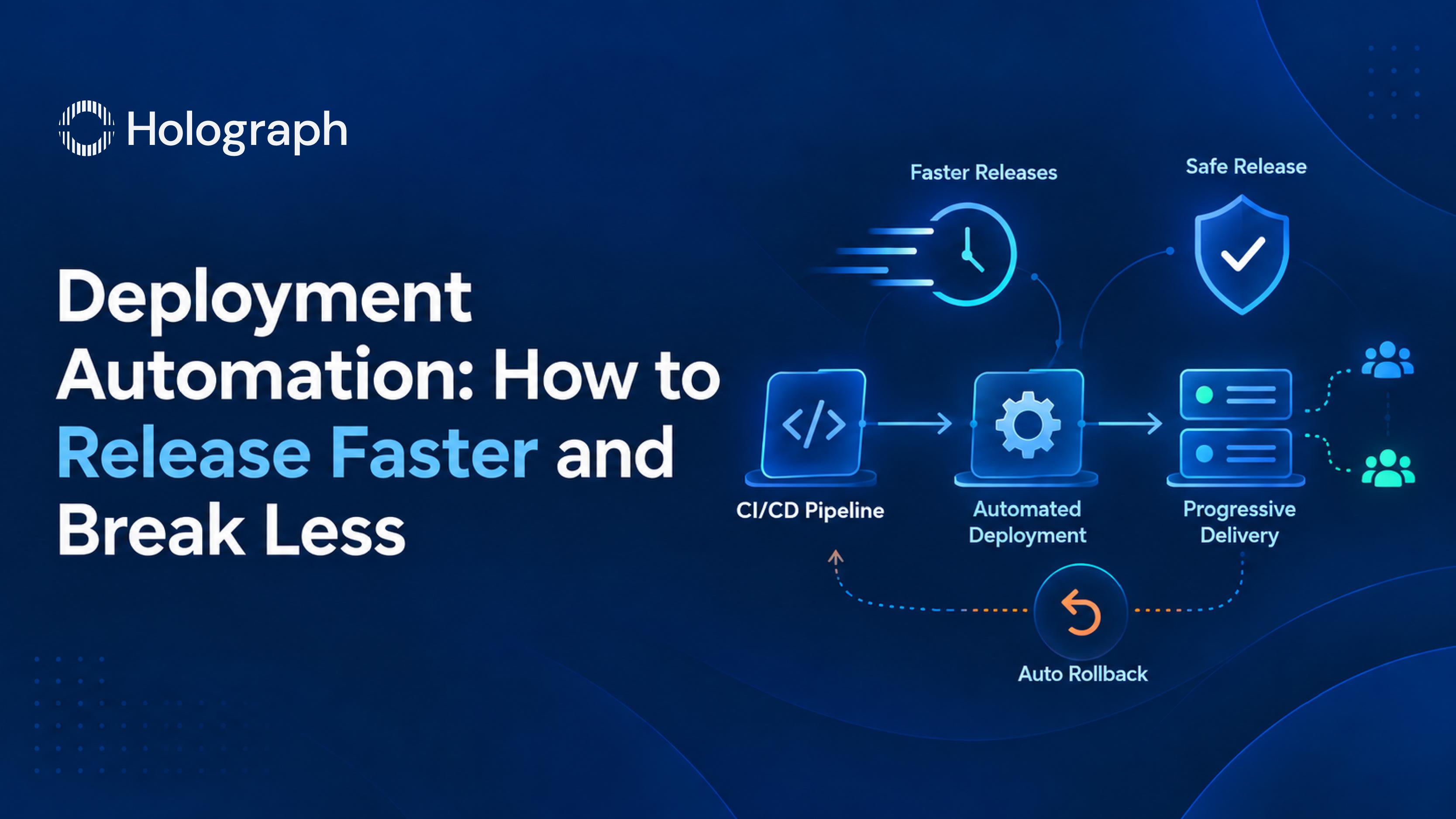
Progressive delivery releases a change to a small share of traffic or a subset of servers first, rather than to everyone at once. A canary release sends the new version to a fraction of users and watches it before widening; a blue-green deployment runs the new version alongside the old and switches traffic over once it is confirmed healthy. Either way the blast radius of a bad release is contained to a slice rather than the whole user base.
Automated rollback is the safety net underneath that. The pipeline watches the health of a release against defined signals, error rate and latency among them, and reverses the deployment automatically if they breach a threshold, so a bad change is withdrawn in seconds rather than after a manual scramble. For regulated estates, the same automation carries the approval and audit steps the industry requires, so the record of who released what and when is produced as the deployment runs.
The effect of these controls together is that deploying more often does not mean breaking more often. Each release is small, watched, and reversible, which is why the change failure rate can fall even as deployment frequency rises.
Measuring release safety
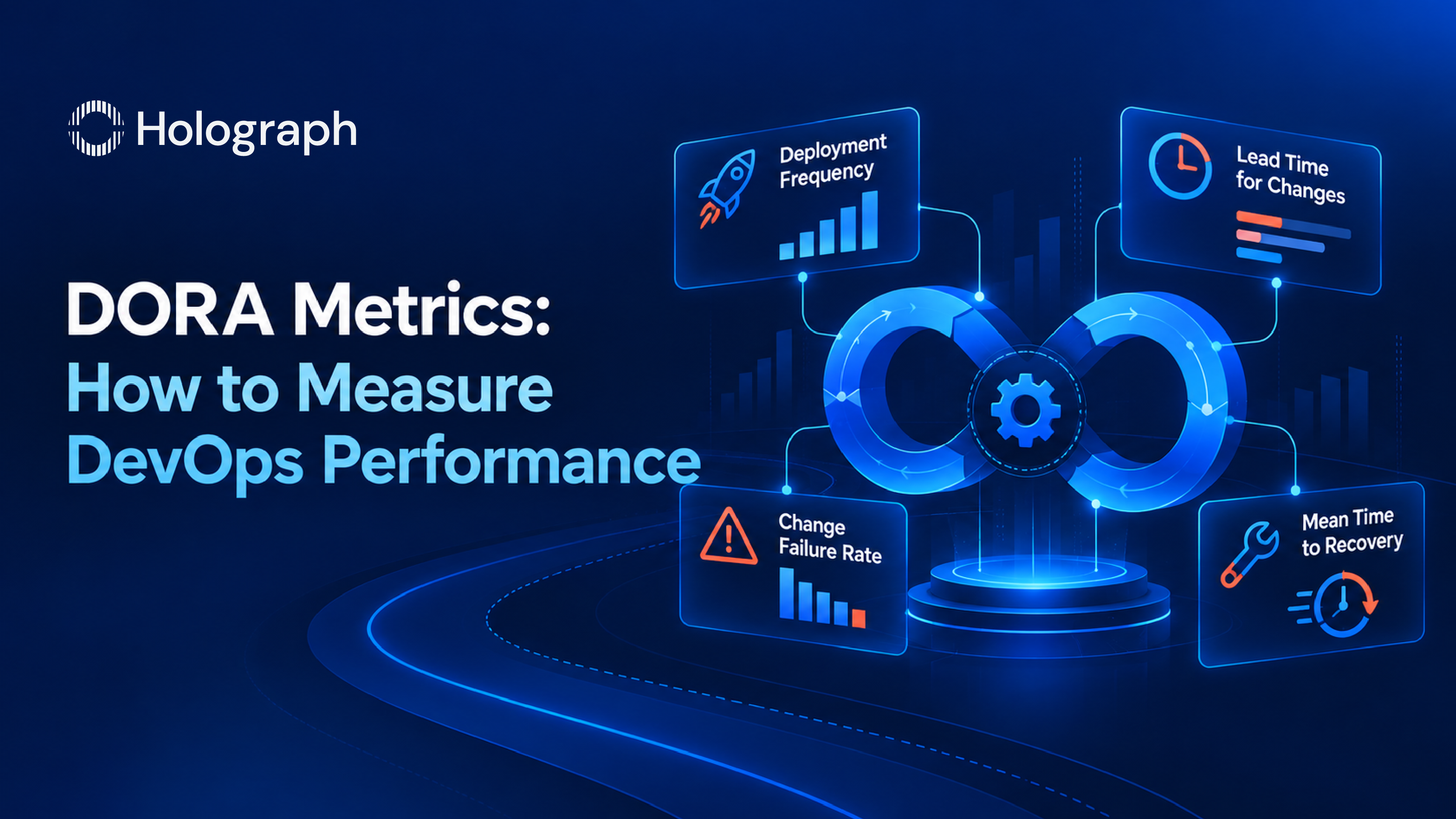
The two DORA metrics that matter here are change failure rate, the share of deployments that cause an incident, and mean time to recovery, how fast service is restored when one does. Automation moves both in the right direction: progressive delivery lowers the failure rate by containing bad releases, and automated rollback shortens recovery by reversing them without human delay. Tracking the two is what proves the automation is working rather than just running, and it is what lets an engineering leader show that faster releasing has not cost reliability.
How we implement it
Deployment automation attaches to the pipeline, so it builds directly on the CI/CD pipeline that produces the tested artifact. We add the deployment stages, configure the progressive-delivery strategy that fits the application, and wire the health checks and automated rollback so the safety controls run without anyone watching a dashboard. We prove the rollback on a real failure before relying on it, because a rollback that has never been tested is a hope, not a control. Then we roll the pattern across services and hand it over, so the engineering team owns a deployment process that is fast and safe by default.
What it looks like in practice
For Solarman Engineering Projects, automating the pipeline and its deployments took deployment time from six to eight hours to under 30 minutes while the change failure rate held below 5% and uptime reached 99.9%. The point worth drawing out is not only the speed. It is that release frequency tripled without reliability dropping, because the automation that made deployment fast is the same automation that made it safe. Faster and safer were not traded against each other. They came from the same work.
This is one capability inside a wider DevOps engagement. The full picture, and how it connects to security and measurement, is in our guide to enterprise DevOps services.
Ready to make deployment a non-event?
If releasing still means a scheduled window, a runbook, and someone holding their breath, deployment automation is what turns it into a routine operation. We start from your existing pipeline and add the automation and the release-safety controls that let you ship more often with less risk. Reach out to talk through how your releases run today.
Frequently asked questions
What is deployment automation?
Deployment automation is the practice of releasing software through an automated process with no manual steps, so a tested build moves to production the same way every time. It removes the human error and the time cost of hand-run deployments, and paired with release-safety controls it makes frequent, low-risk releasing possible.
What is the difference between canary and blue-green deployment?
A canary deployment releases the new version to a small fraction of users first and widens it once it looks healthy. A blue-green deployment runs the new version alongside the current one and switches all traffic over once it is confirmed working, with the option to switch back instantly. Both limit the impact of a bad release; the right choice depends on the application.
What is automated rollback?
Automated rollback is a control that monitors a release against health signals such as error rate and latency, and reverses the deployment automatically if they cross a threshold. It shortens recovery from a bad change to seconds, without waiting for someone to notice and act, which lowers mean time to recovery.
Does deploying more often increase risk?
Not when deployments are automated and released progressively. Frequent releases are small, so each one changes less and is easier to verify, and progressive delivery plus automated rollback contain and reverse the ones that fail. In practice the change failure rate can fall as deployment frequency rises.
How do you measure whether deployment is safe?
Two DORA metrics: change failure rate, the share of deployments that cause an incident, and mean time to recovery, how quickly service is restored. Progressive delivery improves the first and automated rollback improves the second, and tracking both shows that faster releasing has not come at the cost of reliability.
Still releasing on a weekend?