Atlassian Offboarding: What SCIM Does Not Catch
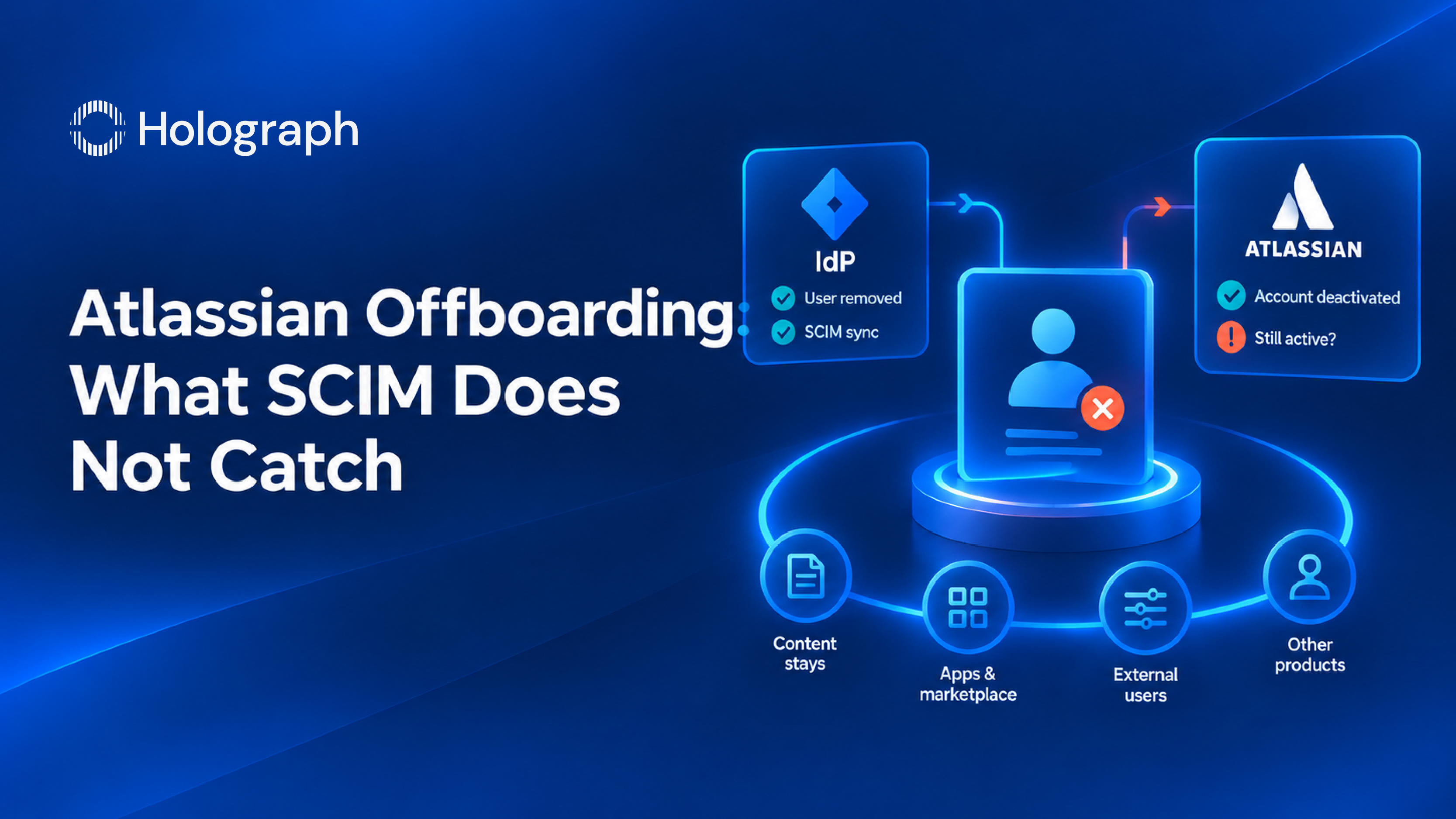
This post assumes you have already done the hard part. Your identity provider is connected, SCIM provisioning is running, and a leaver processed there is deactivated in Atlassian without anyone opening a ticket. That setup is worth having and most of the published advice stops at it.
It is also where the interesting problems start. A correctly configured offboarding still leaves several kinds of access open, and Atlassian documents every one of them. Here they are, in the order they tend to bite.
The order of operations is not optional
If your organization provisions users from an identity provider, Atlassian's instruction is to remove the user from the identity provider before you delete their Atlassian account. The reason is stated plainly in its documentation: if you do not, their Atlassian account will get created again and they will still be able to log in.
That is a sequence, not a preference. Delete in Atlassian first and the next sync recreates what you just removed. The account comes back quietly with whatever group memberships the sync grants, and nothing in the offboarding ticket says otherwise.
A delete in your identity provider may not reach Atlassian
This is the one that surprises people, and it sits on Atlassian's own public issue tracker as ACCESS-1388. The behavior reported there is specific. Sync a user into Atlassian through provisioning, then delete that user directly in the identity provider rather than deactivating them first, and the next provisioning cycle does not deactivate the Atlassian account. In the tracker's words, the account stays active and the SCIM data is orphaned, because the identity provider never sends another update about a user it has already removed.
Atlassian's status note attributes the behavior to identity providers not calling its delete API, says it has escalated with Microsoft, and the issue is marked resolved. Read that carefully, because it does not describe a fix shipped on the Atlassian side. It describes a handoff between two systems that can fail quietly. The tracker records 72 votes and a support reference count of 39.
The documented workarounds come down to one habit: deactivate in the identity provider first, confirm the deactivation has synced, and only then delete. Where accounts are already orphaned, Atlassian points to the user provisioning REST APIs to remove the stale provisioning record, or to running a manual on-demand provision after the deletion. The practical risk is not that somebody keeps using Jira after they leave. It is that your identity provider shows the person gone while Atlassian shows them active, so neither system raises a flag and the discrepancy surfaces at an audit instead.
Deactivate and delete answer different questions
These get used interchangeably and they are not interchangeable. Deactivating keeps the account's roles and group membership, which is what you want if the person might return. Deleting is final. Atlassian runs a 14-day grace period first, states that the grace period cannot be expedited, and after it the account name is replaced with "Former user" in products. Billing stops when you delete, and if you cancel a deletion inside the 14 days, billing resumes along with access.
For most departures, deactivation is the operationally correct answer, and deletion becomes a separate decision driven by a data request rather than by offboarding.
What offboarding does not touch at all
Three things survive a complete, correct deletion, and Atlassian says so. The first is the most visible.
Content stays. Pages, issues and comments the person created remain, as does personal data anyone typed into them. That is deliberate and it is almost always what you want, but it means account deletion is not data erasure.
Marketplace and custom apps may still hold their profile data. Atlassian's deletion confirmation email includes a list of apps that may have stored it, and its guidance is that you contact the Marketplace partner yourself to have it removed. Nothing about that is automatic, and nothing in your offboarding workflow will do it for you.
Jira Align, Halp and Opsgenie accounts are not deleted. Deleting the Atlassian account leaves those behind. Jira Align data goes through Jira Align Support by email and the account itself through your Jira Align admin, and Halp goes through Atlassian Support. If you run any of the three, your offboarding checklist has steps that live outside Atlassian Administration entirely.
External users are a separate job
Guests, partners and contractors who are not on your verified domain behave differently, and the difference matters. Deactivating an external user removes them from the group provisioned by SCIM and may remove the app access that group granted. It does not remove their site access. Atlassian's own note is that to remove site access after deactivation, you remove the user from the site, which is a second action somebody has to take.
There is a related trap on email changes. Updating a user's email address from a verified or unverified domain to an unverified domain removes them from SCIM-provisioned groups and may cost them app access. A contractor moving to a personal address during a transition can lose access without anyone intending it, and the reverse case leaves accounts outside the scope your provisioning controls.
One setting on this path is permanent. Turning on local profiles for external users cannot be turned off afterwards, so it is worth reading before enabling rather than during a cleanup.
These are all the same gap
Four problems, one shape. The sequence nobody wrote down, the handoff between two systems that both think the other is handling it, the decision taken by habit rather than policy, and the three products outside the console nobody owns.
None of them is fixed by better provisioning, because provisioning is already working in every case above. They are fixed by deciding who owns the leaver process end to end and writing down the steps that fall outside the tool. That is the same argument we make at estate level in our guide to enterprise security posture, and it runs alongside the question of who owns patching in our piece on Atlassian security patching.
Case studies
Almajdouie Group. A Saudi conglomerate founded in 1965, operating across logistics, automotive, manufacturing, food, steel, real estate and training, with more than 5,000 employees. Managing user access across six sister companies and multiple business domains had become slow and hard to govern, with user details scattered across disparate systems. We implemented SAML 2.0 single sign-on with automated multi-level approval workflows and integrated the access model with the group's existing systems. Service request turnaround moved from 5 days to 2.
If your identity provider says a leaver is gone and you cannot prove Atlassian agrees, talk to us about an access review.
Frequently asked questions
Does deleting a user in your identity provider deactivate their Atlassian account?
Not reliably. Atlassian's issue tracker records that deleting a provisioned user directly in the identity provider can leave the Atlassian account active with the provisioning data orphaned, because the identity provider stops sending updates about a user it has removed. The safe sequence is to deactivate in the identity provider, confirm the deactivation has synced to Atlassian, and delete after that.
Should you deactivate or delete a leaver's Atlassian account?
Deactivate, in most cases. Deactivation keeps roles and group membership so the account can be restored if the person returns, and it is immediate. Deletion runs a 14-day grace period that cannot be shortened, after which the account name becomes "Former user". Billing stops on deletion and resumes if you cancel it inside the grace period.
Does deleting an Atlassian account delete what they wrote?
No. Pages, issues and comments remain, along with any personal data typed into that content. Account deletion removes the person's profile data from Atlassian account services. It is not a content erasure tool, and it should not be used as one.
Does offboarding cover Jira Align, Halp and Opsgenie?
No. Atlassian states that deleting an Atlassian account does not delete Jira Align, Halp or Opsgenie accounts. Each has its own route, through Jira Align Support and your Jira Align admin, or through Atlassian Support for Halp. If you run those products, add the steps to your checklist explicitly, because no automation will add them for you.
How do you offboard an external user or guest?
Deactivating an external user removes them from the SCIM-provisioned group and may remove the app access that group granted, but it does not remove their site access. Removing them from the site is a separate action. Be careful with email changes too: moving an address to an unverified domain removes the user from SCIM-provisioned groups and can cost them app access.
Does single sign-on on its own handle leavers?
No, and Atlassian says so directly: if you only set up single sign-on, you are unable to deactivate users from your identity provider. Single sign-on governs how people authenticate. Provisioning governs which accounts exist and which groups they belong to. You need both, and even with both, the gaps above remain.
Find the accounts that survived offboarding