Google Workspace License and Cost Management for Enterprises
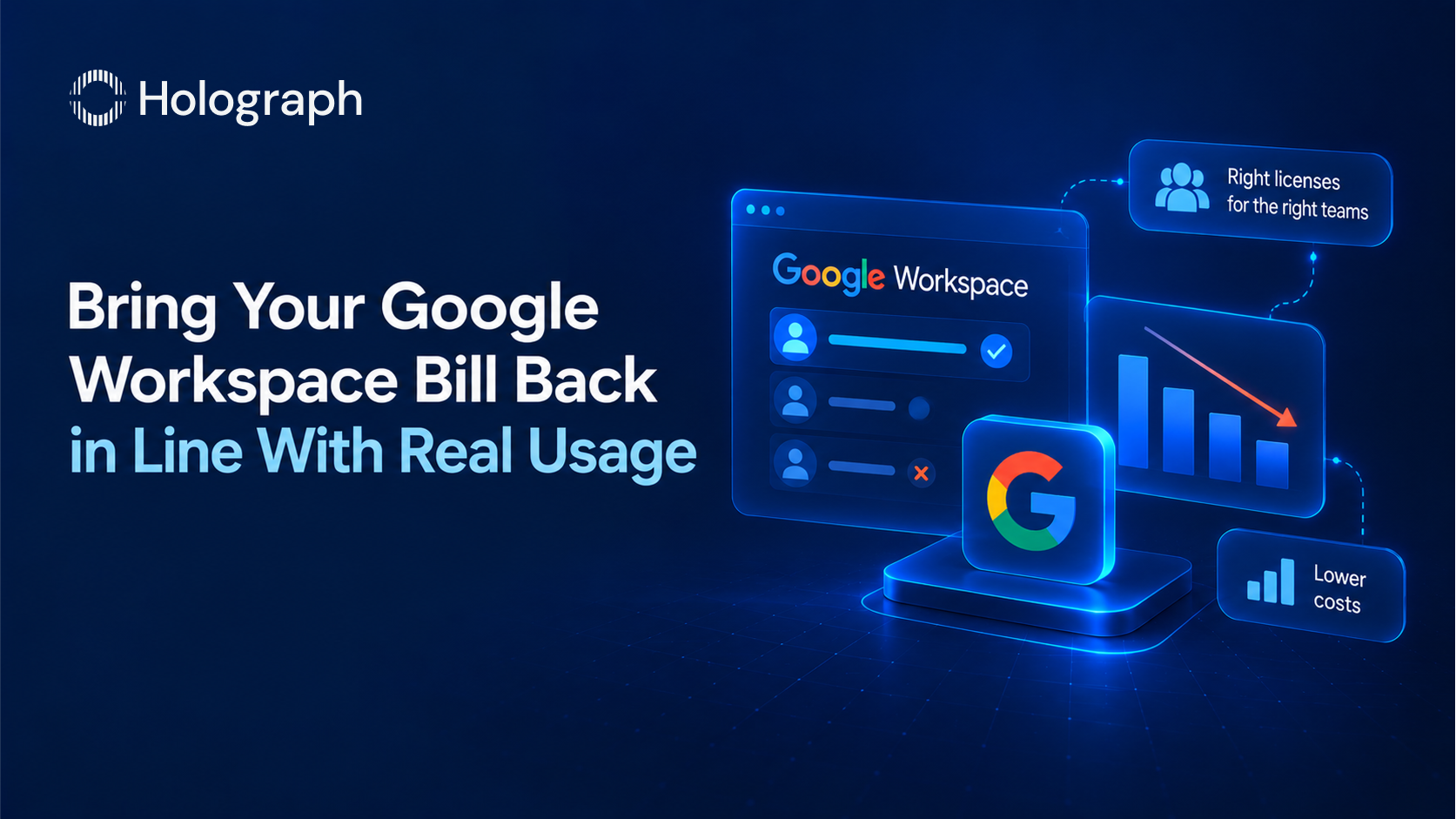
A workforce-management SaaS company cut its Google Workspace spend by 62.5%, part of a wider optimisation that reduced its blended software spend by 34.4% across cloud, productivity, and developer tools. The tools did not change. The editions, the seat count, and the commitment were right-sized to what the organisation actually used.
Google Workspace looks inexpensive at a per-seat glance, which is exactly why it drifts. Editions get over-provisioned, licenses stay assigned to people who left, and the January 2025 price increase that bundled Gemini AI into every plan raised the base rate across the estate. At scale, the difference between a managed Workspace bill and an unmanaged one is significant. Here is how to bring it back in line.
How Google Workspace is priced
Google Workspace is priced per user, per edition, and the edition ladder is where most of the cost decision sits. On the annual, fixed-term plan the Business editions list at $7 per user per month for Business Starter, $14 for Business Standard, and $22 for Business Plus. Enterprise editions are quoted separately and carry no user ceiling; the Business editions are capped at 300 users.
Two mechanics drive the rest of the bill. The first is the commitment. The flexible plan, which lets you add and remove users and cancel any time, costs roughly 20% more per user than the annual, fixed-term plan, which locks the user count for the year in exchange for the lower rate. The second is the January 2025 change: Google bundled Gemini AI into every Business and Enterprise plan and raised prices by roughly 17 to 22% across the board, retiring the separate Gemini add-ons. That increase is now the baseline every 2026 renewal is measured against.
Storage is worth understanding because it changes the edition math. Workspace storage is pooled across the whole organisation, not fixed per user. Business Starter contributes 30 GB per user to the pool, Standard 2 TB, and Plus 5 TB. Because the pool is shared, a team rarely needs to move everyone to a higher edition just for storage. Additional pooled storage can be bought directly, which is often cheaper than upgrading every seat.
The levers that cut Google Workspace spend
Each lever below lowers cost while the same people keep the same tools.
Right-size the edition by role
The most common source of waste is defaulting the whole organisation to Business Plus or Enterprise. The advanced tiers add Vault eDiscovery, advanced endpoint management, larger meetings, and enterprise security controls, which specific roles need and most users do not. Assign the edition by what each group actually uses. General staff who need email, Docs, Meet, and Chat are served by Starter or Standard. Reserve Plus and Enterprise for the populations with the compliance, security, or large-meeting requirements that justify them. Because storage is pooled, do not upgrade an edition to solve a storage need that additional pooled storage would solve for less.
Reclaim inactive and departed licenses
An assigned license bills whether the person uses it or not. Offboarding that disables the account but leaves the license assigned keeps paying for it. Pull the last-activity data, reclaim licenses from dormant and departed users, and reassign rather than repurchase for new joiners. Where a former employee's mailbox and files must be retained for compliance, an Archived User license holds the data at a lower cost than a full active seat, so retention does not mean paying full price indefinitely.
Choose the commitment deliberately
The annual, fixed-term plan is the lower rate, but it locks the user count for the term. Move stable seats onto it after the cleanup, so the committed number reflects a right-sized estate rather than an inflated one. Keep genuinely variable populations, such as seasonal or contractor teams, on the flexible plan where the ability to remove seats is worth the premium. Matching the commitment to how each part of the workforce actually changes avoids both the flexible premium on stable seats and the lock-in cost on changing ones.
Right-size AI access
Gemini is now bundled into every Business and Enterprise edition, so it is no longer a separate line to remove. What remains optional is the AI Expanded Access add-on, which raises the usage limits for heavy AI users. Add it for the teams that hit the standard limits and leave the rest on the included allowance, rather than buying the expansion across the estate by default.
What a review looks like
A Google Workspace review runs the same sequence as any licensing review. Pull active usage per user and per edition, reclaim inactive and departed seats, right-size the edition mix by role, set the commitment to match how each population changes, and time the renewal so the cleaned-up numbers are what gets committed. Nothing changes in how people work. The bill is the only thing that moves.
Workspace is rarely the only SaaS platform in the estate, and the largest savings come from managing it alongside the rest rather than one vendor at a time. The same review runs across cloud infrastructure and the other productivity and developer platforms an organisation licenses, which is how the workforce-management SaaS company above reached a 34.4% blended reduction. The full set of levers sits in our enterprise guide to software licensing management, and the discipline of spotting waste early is in our guide to the signs an enterprise is overspending on software licenses.
Frequently asked questions
How much does Google Workspace cost for businesses?
On the annual, fixed-term plan, Business Starter lists at $7 per user per month, Business Standard at $14, and Business Plus at $22. Enterprise editions are quoted separately. The flexible plan, which allows changes any time, costs roughly 20% more per user.
Why did Google Workspace prices go up?
In January 2025 Google bundled Gemini AI into every Business and Enterprise plan and raised prices by roughly 17 to 22%, retiring the separate Gemini add-ons. Those prices are the 2026 baseline.
What is the cheapest way to license Google Workspace at scale?
Right-size the edition by role rather than defaulting everyone to Business Plus or Enterprise, reclaim inactive and departed licenses, and put stable seats on the annual plan while keeping variable teams flexible. Because storage is pooled, buy additional storage rather than upgrading editions for storage alone.
Do I have to pay extra for Gemini AI in Google Workspace?
No. Since January 2025, Gemini is included in every Business and Enterprise edition. The only optional AI cost is the AI Expanded Access add-on, which raises usage limits for heavy users and is worth adding only for the teams that need it.
How do we cut Google Workspace costs without disrupting users?
Reclaim licenses nobody uses, move over-provisioned users to the edition that matches their actual needs, and use Archived User licenses for departed staff whose data must be retained. Each change lowers cost while the people still working keep the same tools.
Google Workspace spend crept up?