AWS License Manager and BYOL: How Enterprises Reduce Software Licensing Costs on AWS
Software licensing costs on AWS are easy to overlook. They do not appear as a separate line on the billing dashboard. They are embedded inside the hourly compute rate of licence-included instances, which means an enterprise running Windows Server or SQL Server on standard EC2 pays AWS for the compute and the software together, as a single combined figure.
For enterprises with existing volume licence agreements for those same products, that combined rate represents paying twice. The Microsoft Enterprise Agreement covers the right to run Windows Server. The AWS licence-included instance prices it again, per hour, regardless. AWS does not apply a credit for licences the enterprise already holds unless the enterprise actively configures Bring Your Own Licence (BYOL).
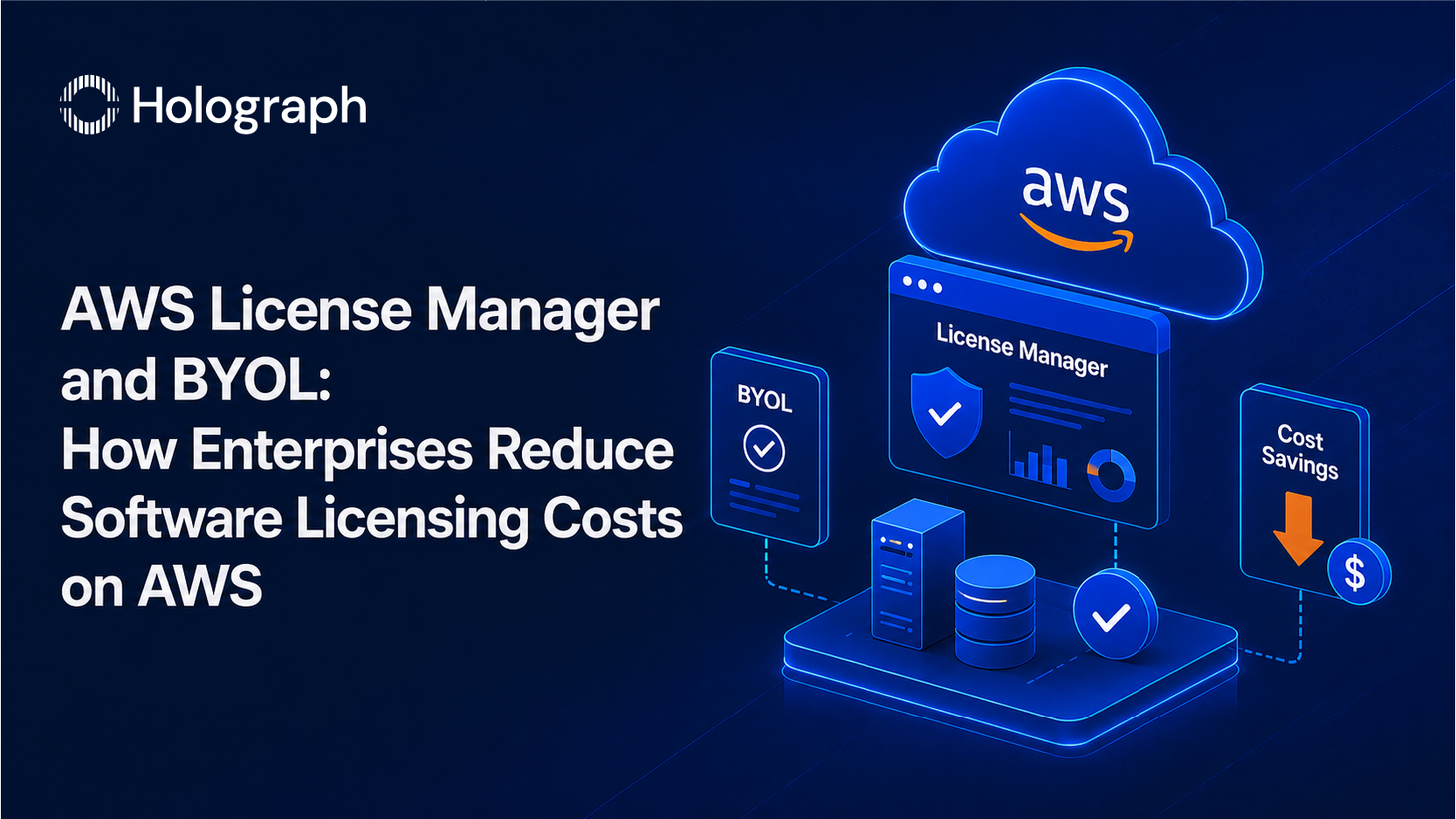
AWS License Manager and BYOL together address this. They allow enterprises to apply existing software licences to AWS infrastructure instead of paying licence-included rates, and to track that licence usage accurately to stay compliant at scale. For most enterprises with significant Windows Server, SQL Server, or Oracle workloads on AWS, this is one of the most direct Pillar 1 cost reductions available. For the broader framework of AWS cost reduction, see AWS Cost Optimisation: The Enterprise Leader's Guide to Reducing Cloud Spend.
The Hidden Cost in Licence-Included Instances
AWS offers two pricing models for workloads that require commercial operating systems or database software. Licence-included instances price the software into the hourly compute rate. BYOL instances price only the hardware, expecting the customer to supply the software licence separately.
The practical difference appears immediately when comparing instance rates. A Windows Server licence-included EC2 instance costs meaningfully more per hour than an equivalent Linux instance on the same hardware. That difference is the Windows Server licence cost, baked into every hour the instance runs. For a single development server, the amount seems manageable. Across a fleet of production Windows instances running continuously, it is a significant recurring charge.
The same dynamic operates with SQL Server. RDS for SQL Server at the licence-included tier carries one of the highest per-hour rates in the RDS catalogue. Enterprises running SQL Server Enterprise on large RDS instances, with SQL Server licences already held under Software Assurance, are paying a premium they are not required to pay. The licence-included model is simply the default. BYOL requires deliberate setup.
Oracle adds a third dimension of complexity. Oracle's licensing policies for cloud environments are specific about how licences are counted on virtualised infrastructure. AWS Dedicated Hosts provide the physical server visibility that Oracle licensing requires for BYOL. The savings potential for enterprises with large Oracle deployments is substantial; the implementation requires careful attention to Oracle's licence terms in parallel with the AWS configuration.
The pattern across all three: the overspend is invisible on the bill until someone looks for it specifically. A licence audit designed to identify licence-included instances and cross-reference them against the enterprise's existing licence inventory is the starting point.
What Is BYOL on AWS?
BYOL (Bring Your Own Licence) is the model under which an enterprise applies software licences it already holds to AWS infrastructure rather than paying for the software through licence-included instance pricing. The enterprise supplies the licence; AWS supplies the hardware.
The software products most commercially relevant for enterprise BYOL are:
Windows Server. Requires active Software Assurance (SA) under the Microsoft licence agreement and deployment on AWS Dedicated Hosts. Software Assurance is the maintenance and upgrade benefit in Microsoft volume licensing; most enterprises running Windows under a volume agreement hold it, though coverage varies. Organisations unsure about their SA position should confirm before implementing.
SQL Server. Requires active Software Assurance. Can be applied to SQL Server on EC2 instances or, for RDS users, to RDS for SQL Server through the BYOL pricing option. Given the licence-included premium on SQL Server Enterprise, this is often the highest-value BYOL candidate in an enterprise AWS environment.
Oracle Database. BYOL is available but requires careful management of Oracle's core factor rules and physical hosting requirements. Dedicated Host deployment is the standard path for Oracle BYOL compliance on AWS. Oracle BYOL scenarios warrant a separate licence review before implementation.
Other supported products. AWS License Manager tracks any software licensed by vCPUs, physical cores, sockets, or instance count. This includes IBM Db2, SAP, Red Hat Enterprise Linux (available via existing subscriptions or AWS Marketplace BYOL listings), SUSE Linux, and other commercial products.
What Is AWS License Manager?
AWS License Manager is the governance layer that makes BYOL operationally viable at enterprise scale. Without it, BYOL programmes are difficult to manage: engineers provision instances without checking available licence counts, licences get applied to more instances than the enterprise holds, and finance has no visibility into consumption against entitlement. These gaps create compliance risk and, when discovered in an audit, penalties that exceed the savings the BYOL programme generated.
License Manager resolves this across four core functions.
Licence tracking. Administrators define configurations that specify the licence type, available count, tracking mechanism (vCPUs, physical cores, sockets, or instances), and counting rules. License Manager tracks running instances against those configurations in real time. The compliance position is visible at any point without manual reconciliation.
Enforcement. Licence rules operate as hard limits or soft limits. Hard limits block new instance launches that would exceed the defined licence count; the instance does not start until a licence is available. Soft limits allow the launch but trigger an alert. Hard limits prevent over-deployment; soft limits provide operational flexibility for teams that need room to move quickly while keeping compliance visible.
Automated discovery. The integration with AWS Systems Manager discovers instances across the environment and identifies which ones are consuming tracked licences. During initial setup, this surfaces BYOL deployments that may already exist without formal tracking — a common finding in environments where BYOL was implemented without a governance framework.
Multi-account management. License Manager integrates with AWS Organizations to share licence configurations across member accounts and aggregate compliance data centrally. This is covered in more detail in the multi-account section below.
License Manager itself carries no additional charge for its core features. The cost is the time to configure it correctly and maintain the licence configurations as the environment evolves.
The Financial Case for BYOL
The financial case rests on two conditions holding simultaneously: the enterprise already holds licences for the software in question under an agreement that permits BYOL on AWS, and the licence-included AWS rate for that software is materially higher than the BYOL rate for the same hardware.
For Windows Server and SQL Server, both conditions hold for most enterprises. The gap between licence-included and BYOL rates on EC2 reflects the software cost directly. Quantifying the savings for a specific environment requires two inputs: the count of licence-included instances that are BYOL candidates, and the per-instance rate difference between licence-included and BYOL pricing for those instance types.
That calculation is the output of the licence audit. Without running the audit, the savings figure is directional. After running it, the savings figure is specific and actionable, and the implementation can be prioritised by instance type and volume to maximise early returns.
One consideration that requires specific modelling: Dedicated Host economics. Windows BYOL typically runs on Dedicated Hosts rather than shared-tenancy instances. Dedicated Hosts bill per physical host per hour, not per instance. For workloads where multiple BYOL instances can be consolidated onto a single Dedicated Host, the per-VM cost on a Dedicated Host can be lower than the licence-included shared-tenancy rate. For workloads with low instance density per host, the economics require closer inspection. The BYOL financial case is therefore workload-specific and should be modelled before implementation, not assumed.
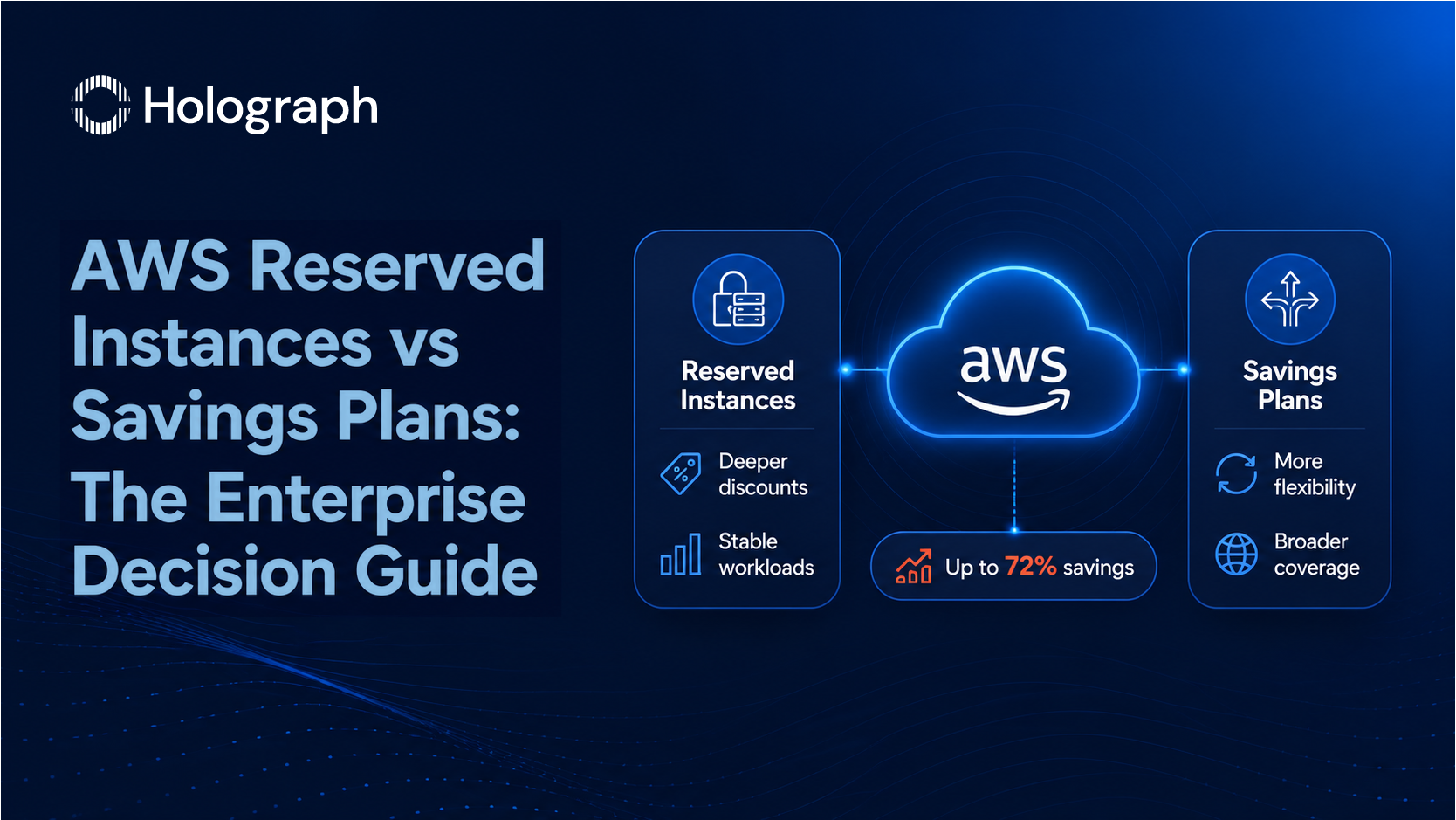
Pairing BYOL with commitment pricing on the underlying compute maximises the total Pillar 1 saving: BYOL removes the software cost component from the hourly rate; Reserved Instances or Savings Plans then reduce the remaining compute cost by up to 72 per cent. The commitment pricing strategy is covered in AWS Reserved Instances vs Savings Plans: The Enterprise Decision Guide.
Implementing BYOL on AWS: The Key Steps
Step 1: Licence inventory audit. Identify all licence-included instances across the AWS environment. AWS Cost Explorer filters by operating system and instance pricing type. For multi-account environments, aggregating this data across accounts requires the governance structure discussed in AWS Account Consolidation: How Multi-Account Governance Cuts Cloud Costs. The output is a list of instances, their current pricing model, and their software type.
Step 2: Entitlement review. Cross-reference the licence-included instances against the enterprise's existing licence inventory. This typically involves the IT asset management team alongside the Microsoft or Oracle licence administrator. The key questions are which licences include active Software Assurance, how many licence units are available, and whether the specific licence agreement terms permit AWS BYOL deployment.
Step 3: Dedicated Host provisioning. Windows Server and Oracle BYOL require Dedicated Hosts. Dedicated Hosts are allocated per availability zone and per instance family. Provisioning should account for the target workloads and plan for the consolidation density that makes Dedicated Host billing cost-effective relative to the alternative.
Step 4: License Manager configuration. With entitlements confirmed and Dedicated Hosts provisioned, administrators create licence configurations in License Manager reflecting the available licence count and enforcement rules. License Manager begins tracking all new and existing BYOL deployments against those configurations from this point.
Step 5: Instance migration. Licence-included instances identified as BYOL candidates are migrated to Dedicated Hosts. The migration changes the physical hosting and the billing model; the instance operating system, software, and network configuration remain unchanged.
Step 6: Ongoing monitoring. License Manager reports coverage and utilisation continuously. Quarterly reviews confirm that licence consumption remains within entitlement as the environment grows. Systems Manager automated discovery flags any new licence-included instances that may have been provisioned outside the BYOL programme.
Multi-Account BYOL Management
Enterprises running multiple AWS accounts face a specific BYOL governance challenge: licence entitlements need to be tracked across all accounts to prevent over-deployment in one account from creating compliance exposure elsewhere.
License Manager integrates with AWS Organizations to address this. Administrators create licence configurations once in the management account and share them across member accounts through AWS Resource Access Manager. The cross-account discovery feature, enabled through the Organizations integration, surfaces BYOL usage from all member accounts in a single view. Each account's BYOL consumption is measured against the central entitlement pool, not against independent per-account pools.
Without this integration, separate accounts often maintain their own licence counts, which leads to double-counting available licences and making the total deployment position against entitlement impossible to determine accurately. Multi-account License Manager setup is a standard component of the account governance structure described in AWS Account Consolidation: How Multi-Account Governance Cuts Cloud Costs.
Common Mistakes That Increase AWS Licensing Costs
The most expensive mistake is the one no one catches because no one looks. Licence-included instances do not surface as a separate line on the AWS bill, so organisations running Windows or SQL Server on standard EC2 can spend years paying the embedded software premium without recognising it as a cost reduction opportunity. A targeted audit takes one to two days with Cost Explorer data. The cost of not doing it is measured in monthly billing cycles.
Implementing BYOL without confirming Software Assurance status is the second common error. Microsoft's BYOL rights on AWS depend on active SA coverage for the licences being applied. Enterprises that have reduced or lapsed SA on portions of their licence estate may find that specific workloads are not eligible for BYOL on AWS. Proceeding without that confirmation creates a compliance position rather than resolving one.
Running BYOL without License Manager tracking is equally risky from a compliance standpoint. BYOL without governance means the enterprise cannot demonstrate, in the event of a software audit, that deployments stayed within entitlement. The penalty for over-deployment on an untracked BYOL programme typically costs more than the licensing savings it generated.
Finally, Dedicated Host economics need to be modelled rather than assumed. A Dedicated Host used at low instance density can cost more than the licence-included shared-tenancy instances it was meant to replace. Validating the utilisation rate and the per-VM cost on Dedicated Host infrastructure is part of the financial case, not an afterthought to implementation.
Holograph holds AWS Advanced Tier Services Partner status and implements BYOL programmes and AWS License Manager configurations as part of cost optimisation engagements for enterprise clients across the USA, UAE, KSA, and India.
Frequently Asked Questions
What is BYOL on AWS and how does it save money?
BYOL (Bring Your Own Licence) allows enterprises to apply existing software licences to AWS infrastructure rather than paying for licence-included instances. Licence-included instances price the software into the hourly EC2 compute rate. Switching to BYOL removes that software cost component, reducing the per-instance charge to the hardware rate only. The saving is the difference between the licence-included rate and the BYOL rate for the same instance, multiplied across all eligible instances running in the environment.
Which software licences can be brought to AWS?
AWS supports BYOL for Windows Server (requires Software Assurance and AWS Dedicated Hosts), SQL Server (requires Software Assurance; available on EC2 and RDS), Oracle Database (requires Dedicated Hosts), Red Hat Enterprise Linux, SUSE Linux, SAP, IBM Db2, and other commercial products. AWS License Manager tracks any software licensed by vCPUs, physical cores, sockets, or instance count, making it applicable to most enterprise software products with volume licence agreements.
What is AWS License Manager and how does it work?
AWS License Manager is a managed service that tracks software licence usage against defined rules across an AWS environment. Administrators configure licence rules specifying the licence type, available count, and enforcement behaviour (hard limit, which blocks over-deployment, or soft limit, which sends an alert). License Manager tracks running instances against those rules in real time, generates compliance reports, integrates with AWS Systems Manager for automated instance discovery, and connects with AWS Organizations for multi-account licence management.
What is the difference between licence-included and BYOL instances on AWS?
Licence-included instances price the operating system or application software into the hourly EC2 compute rate. The enterprise pays for compute and software as a single figure, with no separate software invoice. BYOL instances use a hardware-only rate: the enterprise pays AWS for the physical compute and separately applies its own software licence. BYOL instances for Windows and Oracle workloads typically run on AWS Dedicated Hosts, physical servers allocated exclusively to a single customer account, which is the configuration that AWS and most software vendors recognise as compliant for BYOL deployment.
What is an AWS Dedicated Host and why is it required for BYOL?
An AWS Dedicated Host is a physical EC2 server allocated exclusively to a single customer account. Microsoft and Oracle require physical server visibility for BYOL licence counting because their licence terms for cloud deployment are based on physical cores or sockets, which can only be measured reliably on dedicated physical infrastructure. Standard shared-tenancy EC2 instances run on physical hardware shared with other AWS customers, which does not meet the counting requirements for Windows Server or Oracle BYOL. Dedicated Host billing is per-host per hour rather than per-instance.
How does AWS License Manager work across multiple AWS accounts?
License Manager integrates with AWS Organizations to provide centralised licence management across all member accounts. Administrators create licence configurations once in the management account and share them across member accounts via AWS Resource Access Manager. License Manager's cross-account discovery aggregates usage data from all member accounts into a single compliance view, measuring each account's consumption against the central entitlement pool. This prevents individual accounts from independently over-deploying against shared licence entitlements, which is a common compliance gap in multi-account environments without central governance.
Holograph implements BYOL programmes and AWS License Manager configurations as part of AWS cost optimisation engagements for enterprise clients across the USA, UAE, KSA, and India. Review your AWS licensing costs with the Holograph team.